How to See When Your Minecraft World Was Created
Discover practical, step-by-step methods to determine when a Minecraft world was created. Learn to inspect level.dat, use filesystem metadata, and cross-check with logs for Java and Bedrock editions.


What does the phrase 'world creation date' actually mean?
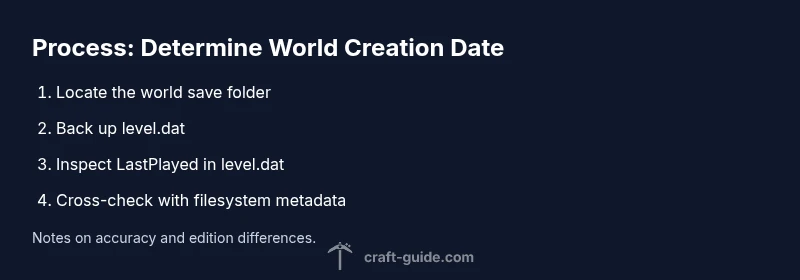
In Minecraft, there isn’t a single in-game command that reveals the exact moment a world was created. Different data sources store different pieces of the story. The filesystem records the moment the save folder was created on your computer, which often corresponds to when the world was first saved. The level.dat file, a core data container for Java editions, may hold LastPlayed timestamps and other metadata that can help you infer age. Bedrock editions use their own save structure but share the same principle: you can cross-check data from multiple sources to estimate the creation window. Craft Guide’s approach emphasizes practical analysis over hunting for a mythical one-click date. This method is designed for players who want a trustworthy, replicable way to determine age without relying on guesswork or memory alone.
Quick note on accuracy
- The creation date may not be exact if the world was copied or moved between machines or platforms.
- The LastPlayed timestamp is a strong anchor for Java worlds, but never assume it equals the original creation moment.
- Always corroborate data with filesystem timestamps and, if possible, server logs or external records.